File Size Calculator Guide: Calculate Photo, Video, Audio and Storage Needs
This file size calculator guide shows you how to estimate storage for photos, music, and video with simple tables and formulas. Plan your storage like a pro.


This file size calculator guide shows you how to estimate storage for photos, music, and video with simple tables and formulas. Plan your storage like a pro.
A messy desktop and a folder full of “final-final-v3” files do not need a complicated solution. This practical guide shows how to organize computer files and folders with a simple structure, consistent filenames, an archive system, smarter cloud storage, and a maintenance routine you can actually keep.

New to Zoom? This complete beginner’s guide explains how to join and host meetings, schedule calls, share your screen, use chat, manage audio and video, record meetings, change virtual backgrounds, improve meeting security, and fix common Zoom problems with simple step-by-step instructions.
Digital clutter makes simple work harder than it needs to be. Learn seven common digital organization mistakes—and practical ways to organize files, improve naming, simplify cloud storage, back up important data, and find information faster.

Follow this phone declutter checklist to deep-clean your smartphone in 30 minutes: apps, photos, notifications, storage, settings, and more — step by step.
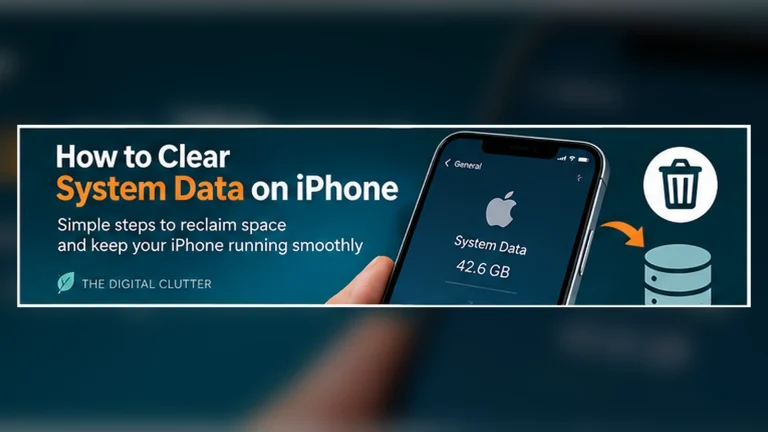
System Data taking up too much iPhone storage? Learn what this category includes, which cleanup steps are safe, what not to delete, and when more drastic troubleshooting is actually justified.

A clean inbox should make important email easier to find, not force you to delete messages you may need later. Use this practical system to archive, unsubscribe, filter, and remove clutter safely.
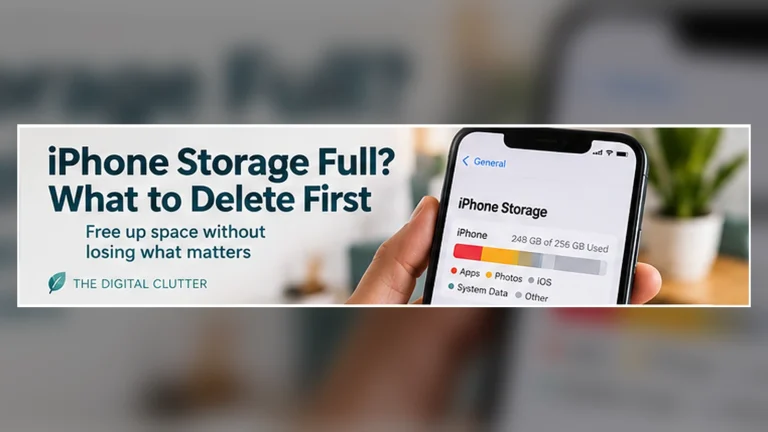
Is your iPhone storage full? This practical guide shows what to delete first, what to leave alone, and how to reclaim space safely without losing important photos, messages, files, or app data.
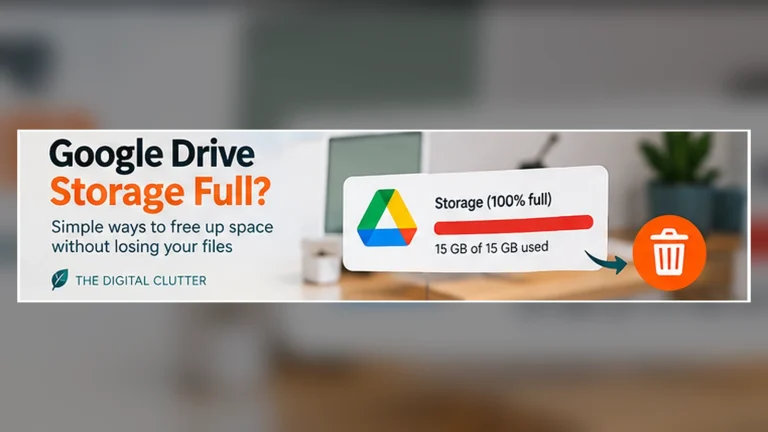
Google Drive says storage is full, but the problem may be Gmail or Google Photos too. Learn how to diagnose the shared quota, remove the biggest clutter first, and protect files you still need.

Learn how to declutter your computer with this complete desktop cleanout guide covering desktop, downloads, files, apps, photos, and browser — zone by zone.
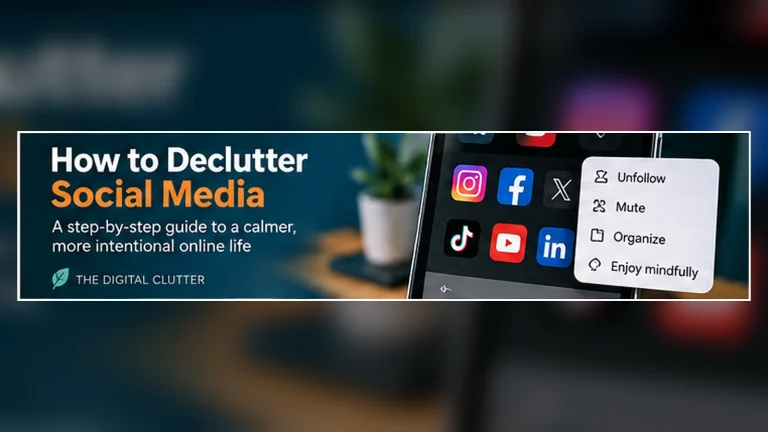
Social media feels much lighter when your feed reflects what you actually care about. This step-by-step reset helps you unfollow noise, reduce notifications, remove old accounts, and make your apps less demanding.

Learn how to organize computer folders with a simple naming and folder-structure system: shallow hierarchies, consistent file names, real examples that work.
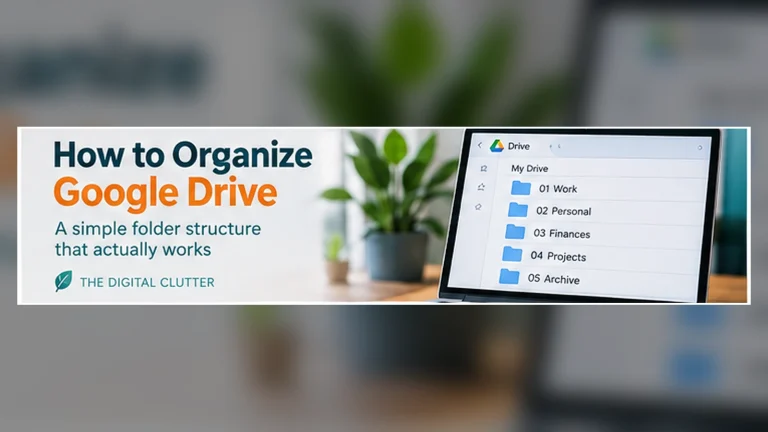
Stop digging through folders called Final, Final 2, and Untitled. This Google Drive organization system uses a shallow folder structure, clear file names, shortcuts, and a simple inbox-to-archive workflow.
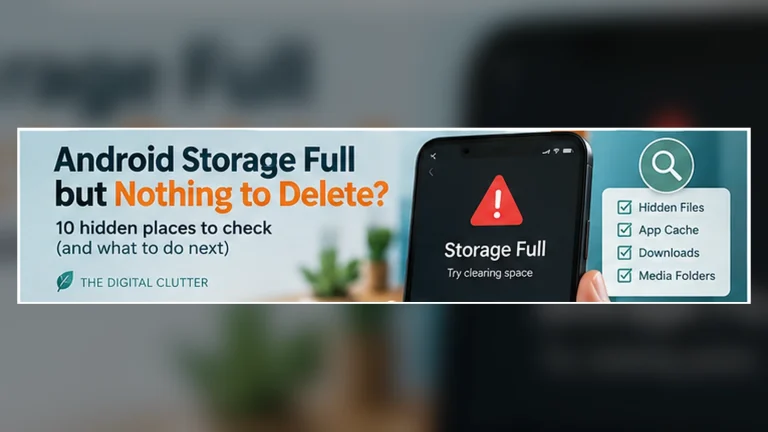
You delete a few apps. You remove some photos. The storage warning comes back within the hour, and…
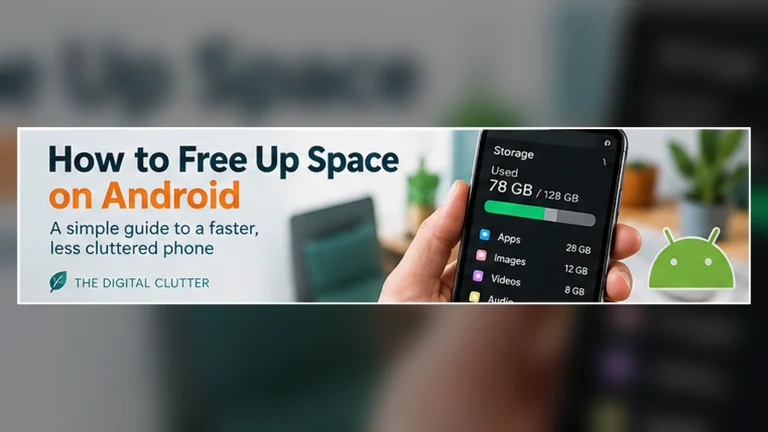
Running out of Android storage? This guide shows how to reclaim space safely using built-in storage tools, Files by Google, app archiving, photo backup, and careful cleanup of downloads and caches.