Google Drive Storage Full but No Files? 9 Hidden Causes and How to Fix Them
Google Drive says storage is full but you see no files? Learn the 9 hidden causes, from Gmail and Photos to trash and orphaned files, and how to fix each one.

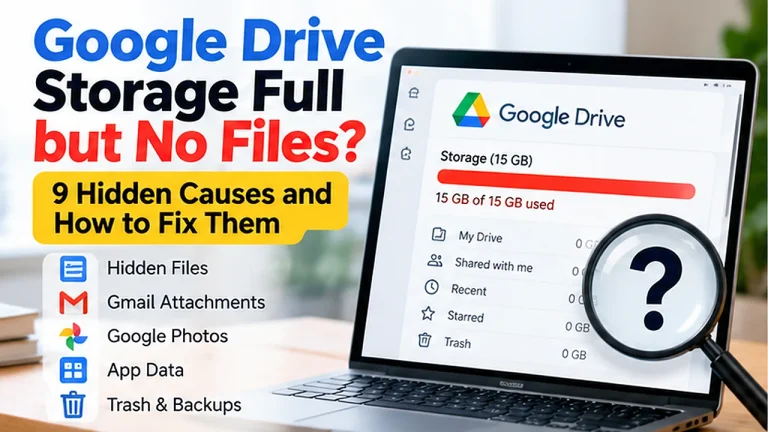
Google Drive says storage is full but you see no files? Learn the 9 hidden causes, from Gmail and Photos to trash and orphaned files, and how to fix each one.

Browsing through folders is the slowest way to find anything. This guide teaches the search techniques — filters, operators, and inside-the-file tricks — that surface almost any file, email, or photo in seconds.

Most digital clutter survives because every file demands its own decision. These seven simple rules make the decisions for you — so your files, photos, email, and apps stay tidy almost automatically.

If your files live in four different clouds, on your desktop, and inside your email, you don’t have a storage problem — you have a scattering problem. Here’s how to compare the big four platforms, pick one home for everything, and move without losing a thing.
Deleting feels risky, but keeping everything in your face is chaos. Archiving is the middle path: finished work, old records, and rarely viewed photos move out of your daily workspace into one organized archive — out of sight, still searchable, and safe. Here’s the Archive Folder Method, step by step.

A good file name tells you what a file is, when it’s from, and where it belongs — without opening it. This guide gives you a simple naming system, the rules behind it, and copy-paste patterns for invoices, photos, work documents, and more.

Digital clutter doesn’t just look messy — it quietly taxes every workday through lost files, endless searching, and constant app-switching. Here are the five hidden time costs, how to spot your biggest leak, and a practical plan to win back your focus.

If your camera roll runs into the tens of thousands and deleting a single screenshot feels strangely hard, you may be dealing with digital hoarding. Here are the signs, the causes behind them, and a realistic plan to break the cycle.
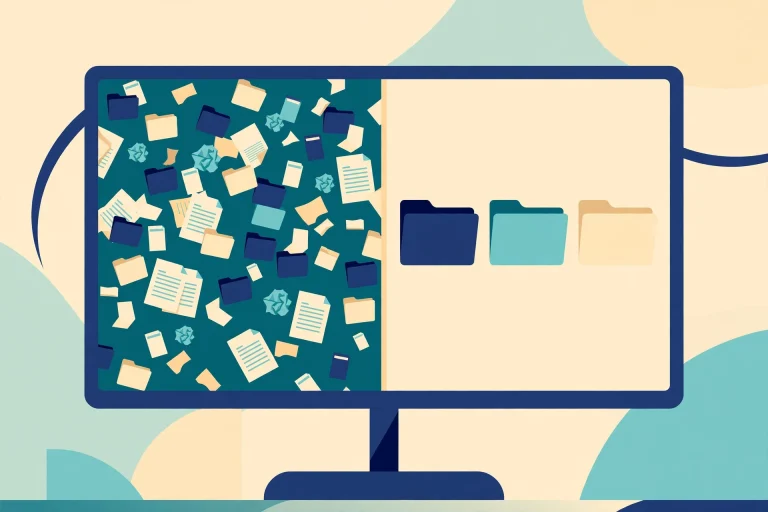
Computer clutter is the slow buildup of downloads, duplicate files, unused programs, and desktop icons that makes everything harder to find. Here is what counts as clutter, how to tell if your computer has it, and a step-by-step cleanup that works on both Windows and Mac.

You don’t need a free weekend to declutter your digital life. These 43 digital clutter ideas — from five-minute quick wins to a simple 7-day challenge — help you clear files, photos, email, apps, and tabs one small step at a time.
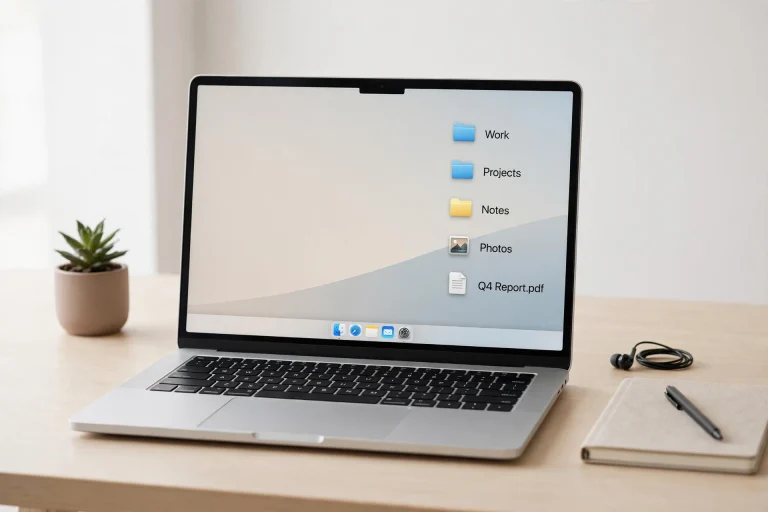
A cluttered Mac feels slow and chaotic. Here’s how to free up storage, organize your desktop and Dock, prune login items, and make macOS feel new again.
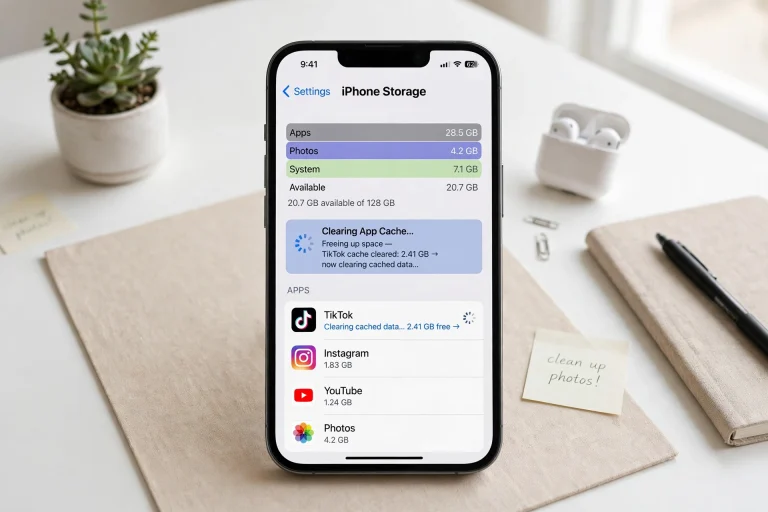
Caches silently eat gigabytes on your iPhone. Here’s how to clear Safari cache, offload bloated apps, and reclaim space — without losing anything important.

Your webcam setup is your professional first impression. These 10 ideas organize your camera, lighting, background, and audio for polished video calls.

Your address, phone number, and more may be one Google search away. Here’s how to remove your personal information from Google and data broker sites.
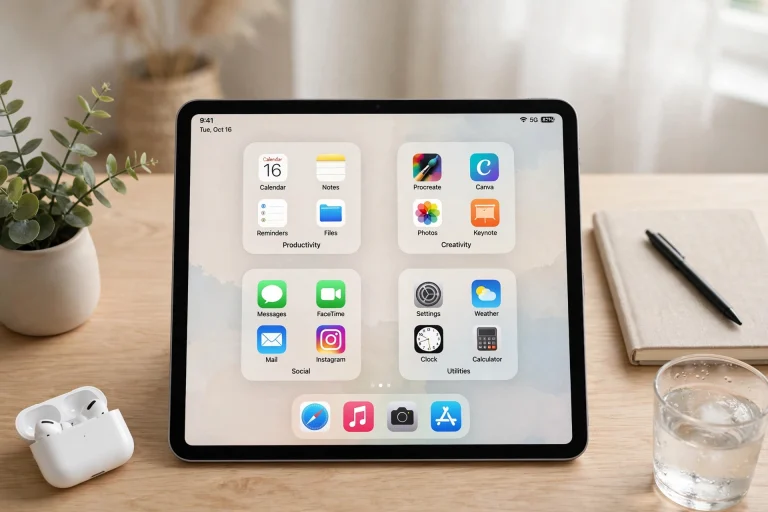
A slow, full iPad isn’t old — it’s cluttered. Here’s how to free up storage, organize apps into folders, tame Safari tabs, and make your iPad feel new again.